
 EN
EN  ES
ES 
Step 1. Create escalation using the relevant template. (Templates are in Snippets and KB Article titled Escalation Templates)
Step 2. Assign Team – This should be CX Managers
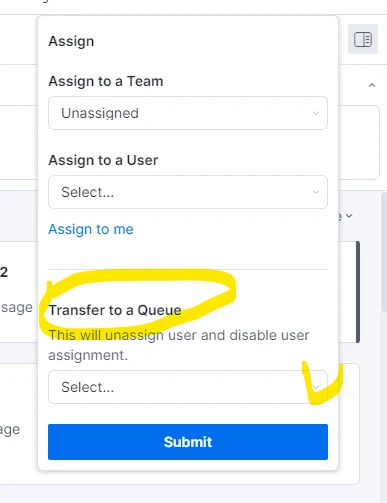
Step 3. Assign Queue – This should be Managers Escalation Queue
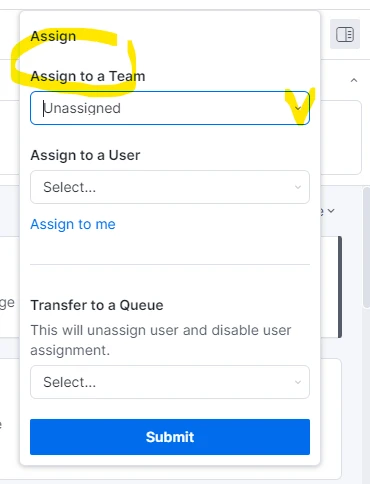
Step 4. SAVE CHANGES BY SELECTING SUBMIT
Notations on the account should be detailed and relevant